•MIDI Map Editor allows users to create and manage MIDI maps with simple controls.
•Three mapping modes allow for mapping MIDI note events, continuous controller (value) changes, or trigger scripts from incoming MIDI.
•Parameter mapping - Assign MIDI to Vertex parameters with optional scaling/remapping for accurate control.
To access the Midi Map Editor, go to MAIN MENU > WINDOWS > I/O > Midi Map Editor.
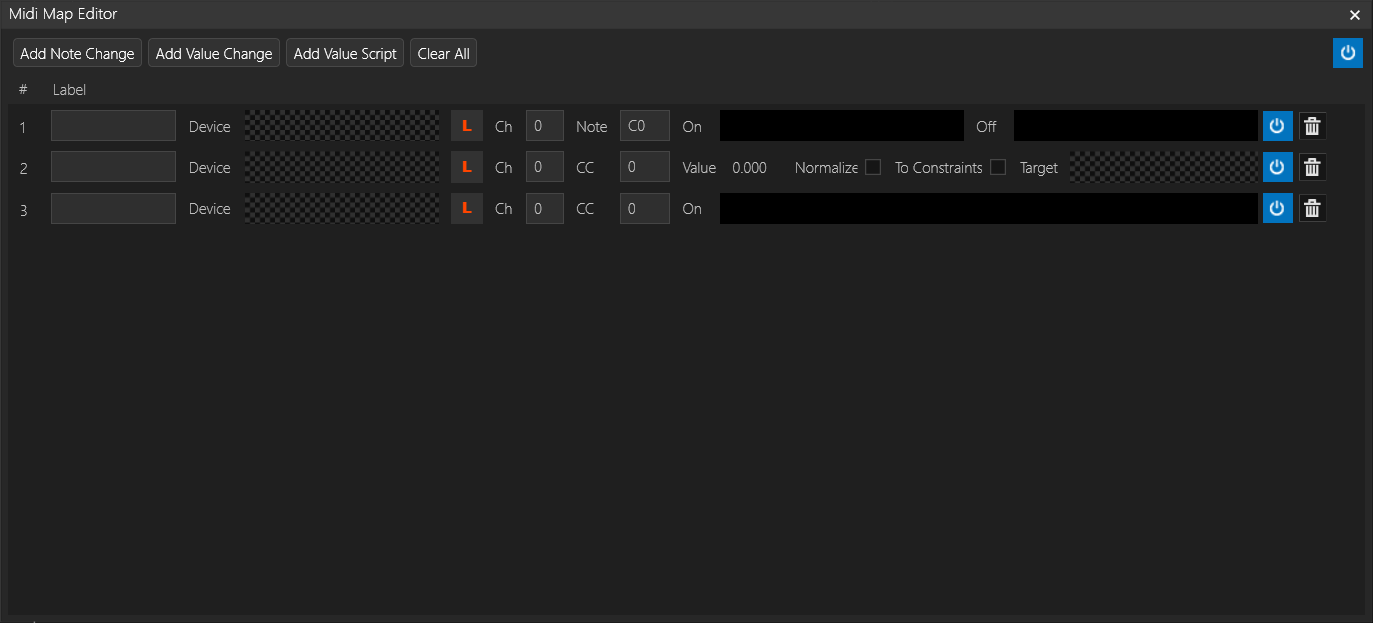
The menu in this editor window will let you add three types of events: Note Change, Value Change, and Value Script.
Common Elements:
•Label - To give a name to one of the maps.
•Device - Add a MIDI input device from the library to your project and drag it here.
•L - Learn the next incoming midi signal
•Power Button - Deactivate a midi map
•Trashcan - Delete a midi map
Note Change
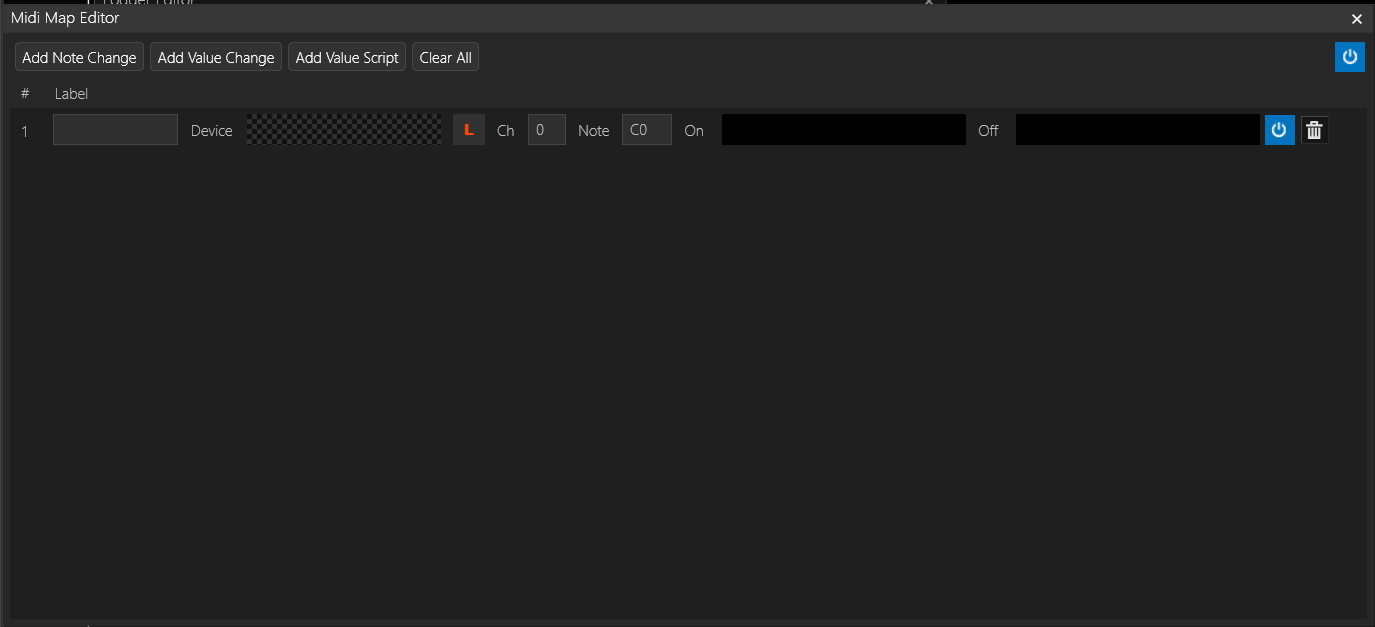
•Ch and Note – Midi Channel and selected Note.
•On Script and Off Script: a note change can trigger a script on both a note on command (velocity greater than or equal to 1) and the note off command (velocity zero)
Value Change
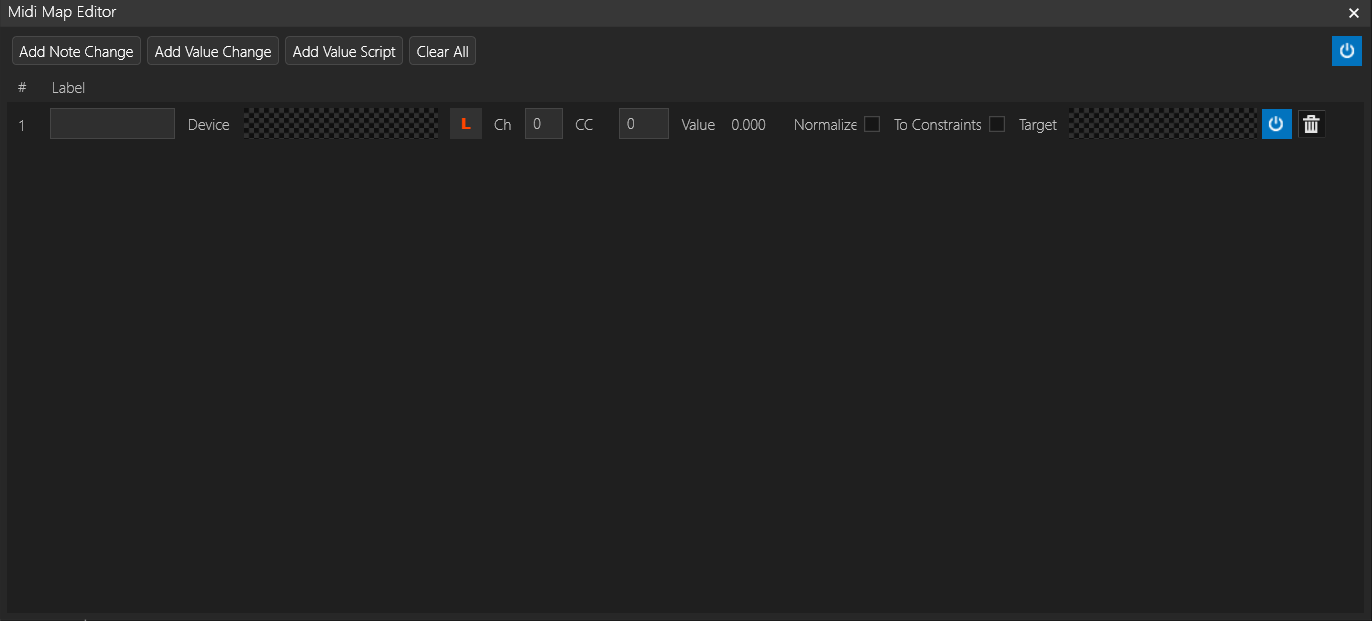
•Value Change lets you map incoming Continuous Controller data to a value inside vertex.
•Normalize - Scale the value to 0-1
•To Constraints - Remaps incoming midi value to the extends of the target value
•Target - parameter to control
Value Script
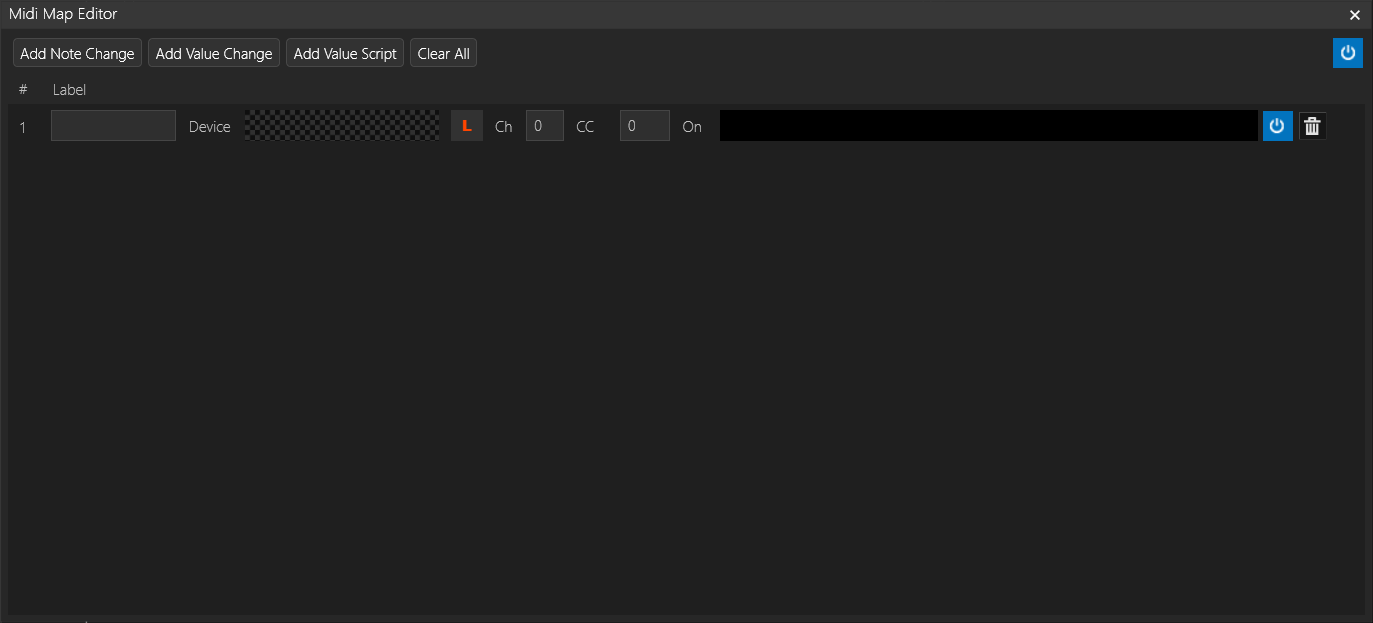
• Listen for an incoming control change message and when received, trigger a script.